Understanding Online AI Lecture Transcription
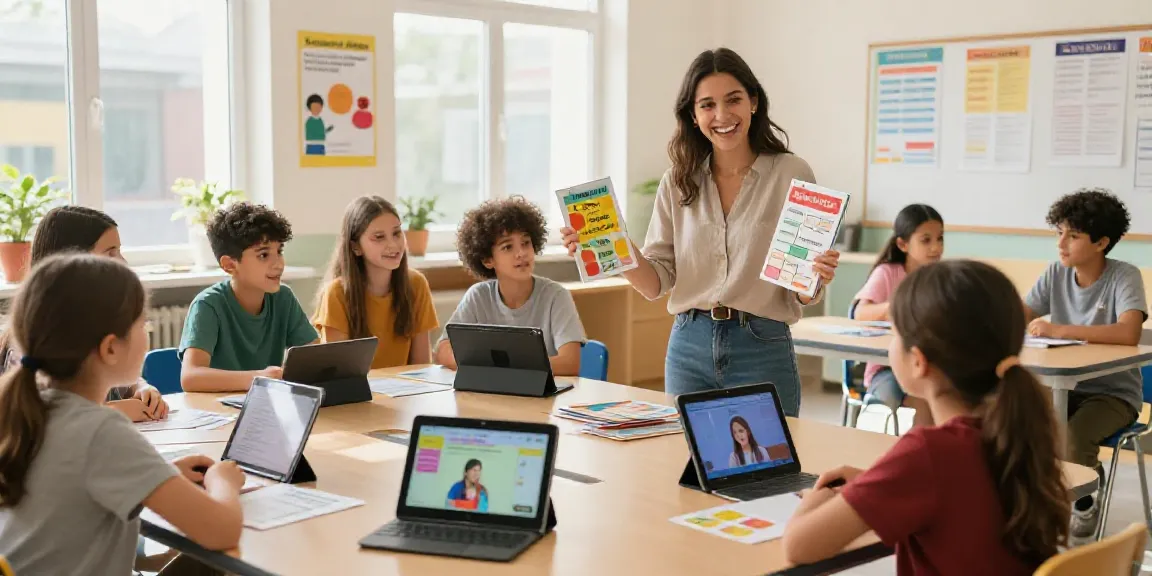
The rise of online AI lecture transcription tools has transformed how students and educators capture and utilize lecture content. These advanced technologies provide an innovative solution for transcribing spoken words into easily digestible text, allowing users to focus on learning rather than note-taking. In an era where information overload is common, leveraging online AI lecture transcription can enhance academic success and improve study efficiency.
What is AI Lecture Transcription?
AI lecture transcription refers to the automated process of converting spoken content from lectures, meetings, or discussions into written text using artificial intelligence. This technology employs speech recognition algorithms to analyze audio input and produce accurate transcriptions almost instantaneously. With the growing popularity of online learning and hybrid classroom models, AI transcription tools have emerged as essential resources for both students and educators.
Benefits of Online AI Lecture Transcription
- Increased Accessibility: Transcripts make lectures accessible to students with hearing impairments or those who missed the class.
- Improved Focus: Students can engage more deeply with lecture content instead of worrying about note-taking.
- Easier Review: Transcripts serve as excellent study aids, allowing students to highlight key concepts and revisit discussions.
- Time Efficiency: AI tools provide instant access to lecture content, saving time compared to manual transcription methods.
How AI Transcription Works
AI transcription systems utilize machine learning models that are trained on vast datasets of spoken language. These models learn to recognize and interpret various accents, dialects, and contexts, resulting in high accuracy rates for transcribing audio. After a lecture is recorded, the audio file is processed through the AI software, which segments the audio, identifies speech patterns, and converts them into text. Advanced tools may also include features like speaker identification, punctuation, and summarization.
Comparing Popular AI Transcription Tools
Top Tools for Online AI Lecture Transcription
Several AI transcription tools stand out in the market today, each offering unique features tailored to various user needs:
- Otter.ai: This tool is known for its intuitive interface and real-time transcription capabilities. Otter.ai also allows users to share notes and collaborate effectively.
- Notta: A user-friendly platform that focuses on transcribing meetings and lectures while generating actionable insights.
- Whisper Transcribe: This tool is particularly geared towards students and educators, providing accurate transcriptions and a user-friendly experience.
- Evernote AI: Known for its robust organizational features, Evernote AI also includes transcription abilities for lectures and webinars.
Key Features to Consider
When selecting an AI transcription tool, consider the following features:
- Accuracy: The tool’s ability to accurately transcribe various accents and terminologies significantly impacts usability.
- Integration: Ensure the tool integrates well with other software used in your educational workflow, like learning management systems (LMS).
- Real-time Transcription: Some tools offer live transcription capabilities, which can be invaluable during lectures.
- Searchability: The ability to search through transcripts quickly helps in locating specific information efficiently.
Pricing and Accessibility
Many AI transcription services operate on a subscription model, offering various pricing tiers based on features and usage levels. Some companies provide free basic versions, while premium options may include enhanced capabilities such as advanced editing features or team collaboration tools. Additionally, students should look for discounts or academic pricing to make these tools more affordable.
Implementing AI Transcription in Educational Settings
Best Practices for Educators
To maximize the benefits of AI transcription in educational settings, educators should consider the following best practices:
- Clearly Communicate with Students: Inform students about the availability of transcriptions and how they can use them to enhance their learning.
- Encourage Active Participation: Remind students to engage in discussions actively, knowing that they can rely on transcripts for detailed information.
- Utilize Transcripts for Assessment: Use the transcripts to evaluate student participation and comprehension of lecture material.
Common Challenges and Solutions
While AI transcription technology offers many advantages, some challenges persist:
- Accuracy Issues: Transcription accuracy can vary based on audio quality and speaker clarity. To mitigate this, ensure clear audio recording conditions.
- Resistance to New Technology: Some educators may be hesitant to integrate technology into their teaching. Providing training and clear evidence of benefits can help overcome resistance.
- Privacy Concerns: Be mindful of data privacy and security when using AI tools, especially when handling sensitive student information.
Case Studies: Successful Implementations
Many institutions have adopted AI transcription tools to enhance learning outcomes. For instance, a university in California reported a 30% increase in retention rates after implementing AI transcriptions in key lecture courses. Students utilized transcripts for revision and group studies, leading to improved performance in assessments.
Future Trends in Lecture Transcription Technology
Emerging Technologies and Innovations
The future of AI lecture transcription is poised for significant advancements. Innovations in natural language processing (NLP) and machine learning will continue to enhance the accuracy and contextual understanding of AI systems, allowing for more nuanced transcriptions. Integration with virtual reality (VR) and augmented reality (AR) experiences may also expand how lectures are consumed and understood.
Predictions for 2026 and Beyond
By 2026, we can expect AI transcription tools to become more affordable and widely adopted across diverse educational institutions. Features like live translation and advanced analytics will likely be standard, allowing for real-time interaction in multilingual classrooms. Enhanced personalization of learning experiences through AI will further change the educational landscape.
Impact on Student Learning Outcomes
The impact of AI transcription on student learning outcomes is profound. With immediate access to clear, organized lecture content, students can better understand complex subjects, participate actively in discussions, and collaborate effectively with peers. Ultimately, AI transcription technology enhances educational equity by providing all students with the resources they need to succeed.
FAQs about Online AI Lecture Transcription
How accurate are online AI lecture transcriptions?
Accuracy can vary across different tools and depends on factors like audio quality and speaker clarity. Most advanced AI transcription services achieve upwards of 90% accuracy.
Can AI transcription tools handle multiple speakers?
Yes, many AI transcription tools can differentiate between multiple speakers, although this feature may vary by product. Look for tools that specifically mention speaker identification capabilities.
Are there free options available for AI lecture transcription?
Several AI transcription tools offer free tiers or limited-time trials, allowing users to test the software before committing to a paid plan. Tools like Otter.ai provide basic features at no cost.
What industries benefit most from AI transcription?
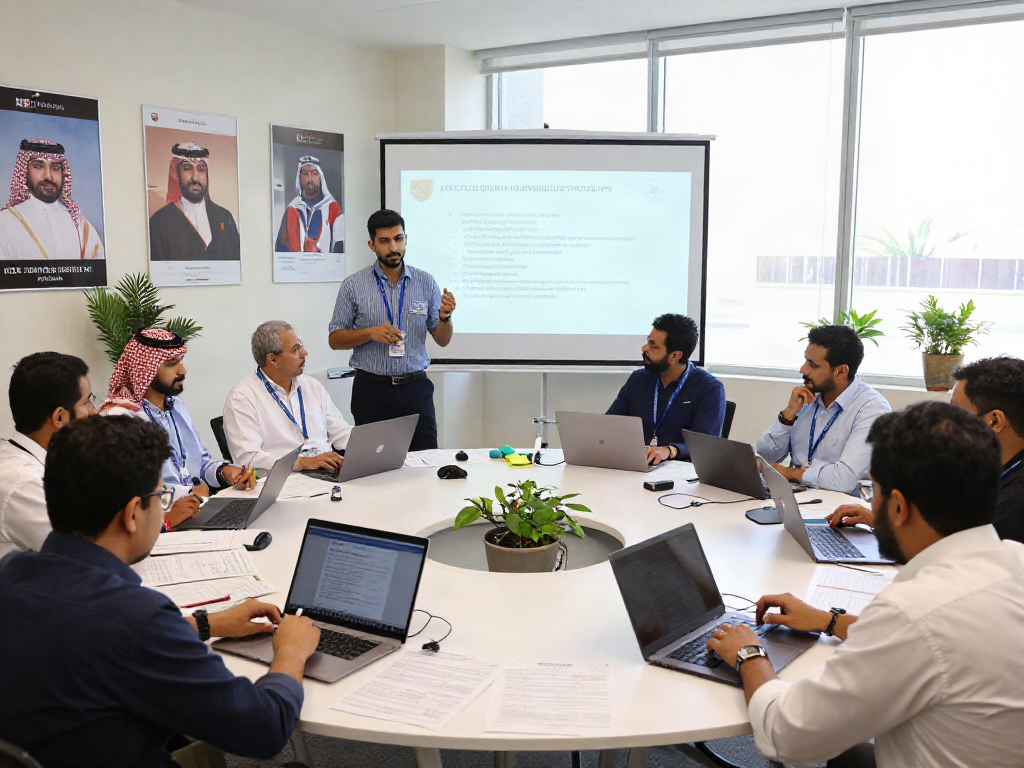
While the education sector benefits significantly, other industries such as healthcare, legal, and corporate training also leverage AI transcription for efficient documentation and compliance.
How can I integrate AI transcription into my workflow?
Start by identifying your specific needs and evaluating various AI transcription tools. Once you choose a tool, explore its integration capabilities with existing software and provide training to relevant stakeholders to ensure a seamless transition.